Shape Distortion – Radial Percentage Counter
What we’re making:
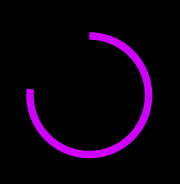
- Make a new Shape layer on the timeline. Make it a donut (no fill, maybe 30px stroke).
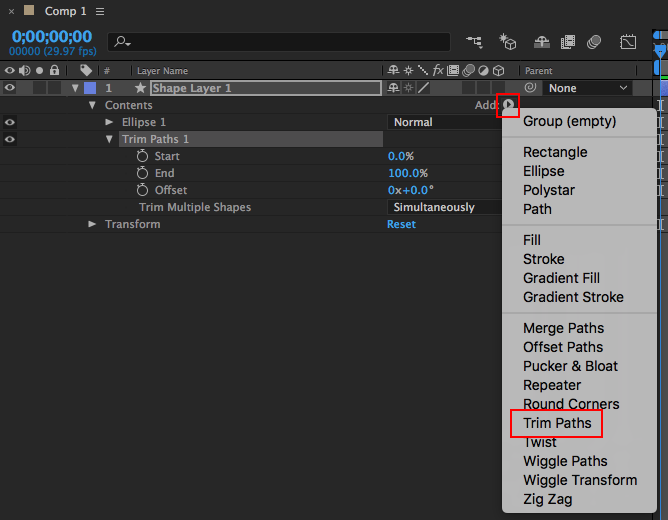
- Under the Contents submenu for the shape, click the little button beside Add and select Trim Paths.
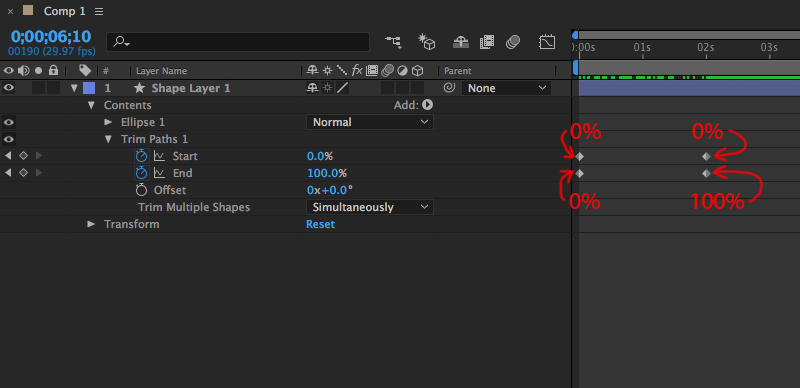
- Tinker with the Start and End variables to get a line that animates around in a loop. For instance, a “loader” donut would be:
- Start point A – 0%
- Start point B – 0%
- End point A – 0%
- End point B – 100%